
For many customers in India, a WhatsApp chat is the most natural way to ask a business a question. It is quick, informal and already on their phone. That is also why enquiries get lost there: chats pile up, replies wait until evening, and nobody remembers who asked for a quote last Tuesday.
The WhatsApp Business app has tools for exactly these problems. This guide walks through the settings that matter most for turning chats into customers, in the order we suggest setting them up.
The app or the Business Platform?
WhatsApp offers two products for businesses, and they suit different stages.
| Option | Suits | Cost |
|---|---|---|
| WhatsApp Business app | Small teams replying from a phone, with a business profile, greeting and away messages, quick replies, labels and a catalog | Free to download; ads that click to WhatsApp and other paid options are extra |
| WhatsApp Business Platform | Higher volumes, automated messages, and WhatsApp connected to a website, CRM or booking system, usually through a provider | Meta charges per delivered message sent by the business, by message type and country; providers may add fees |
Most small businesses should start with the app. Consider the Platform when the app’s manual steps cannot keep up with the number of chats.
Step 1: Set up your business profile
Your profile is what a customer sees before they type. The WhatsApp Business profile can show your logo, a business description, opening hours and website. Fill in all of it.
- Name and logo: the same as on your signboard and website, so customers know they have found the right business.
- Description: one or two lines on what you do and for whom, such as “Home bakery. Custom cakes and snacks, orders 24 hours ahead.”
- Hours: your real opening hours, so the away message knows when to reply.
- Website or catalog link: somewhere to learn more without waiting for you.
Step 2: Greeting and away messages
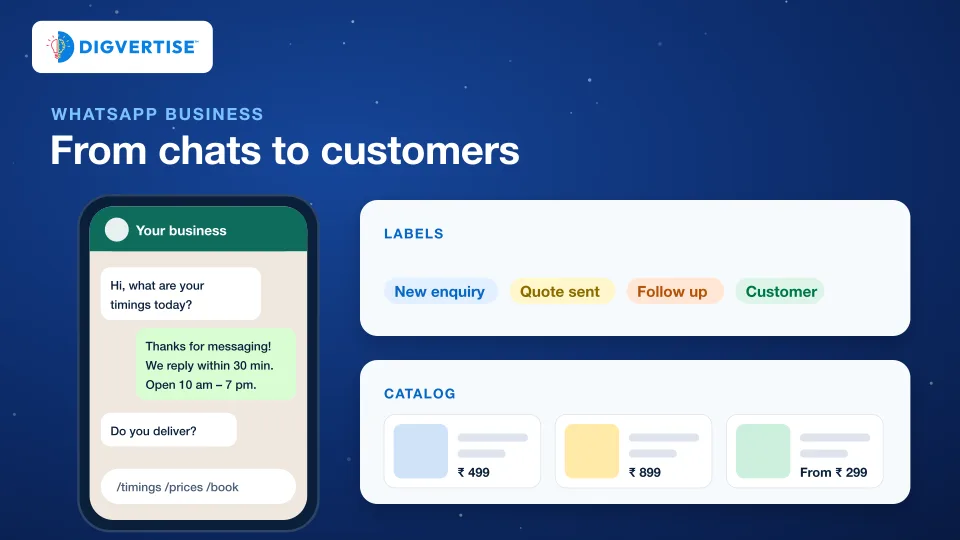
A greeting message is sent automatically when a new customer starts a conversation with your business. An away message answers chats that arrive outside your business hours and tells people when you will be back.
Keep both short and useful. A greeting that asks for the one detail you always need saves a round of messages:
Make sure the promise is true. A greeting that says “we reply in 30 minutes” followed by a reply the next day does more harm than no greeting at all.
Step 3: Quick replies for the questions you answer every day
Quick replies are saved shortcuts for messages you send often. Write one for each question you answer again and again: price list, location and directions, timings, how to book, payment options, delivery areas.
Write them the way you speak, not like a notice board, and change the first line before you send so the customer feels answered, not processed.
Step 4: Labels, so no enquiry is forgotten
Labels let you organise and filter conversations. Used consistently, they turn WhatsApp into a simple enquiry tracker. A set that works for most small businesses:
| Label | Use it when |
|---|---|
| New enquiry | Someone has asked about a product or service |
| Quote sent | You have shared a price and are waiting for an answer |
| Follow up | The customer asked you to check back later |
| Customer | They bought or booked |
| Not now | They decided against it; note the reason if they share it |
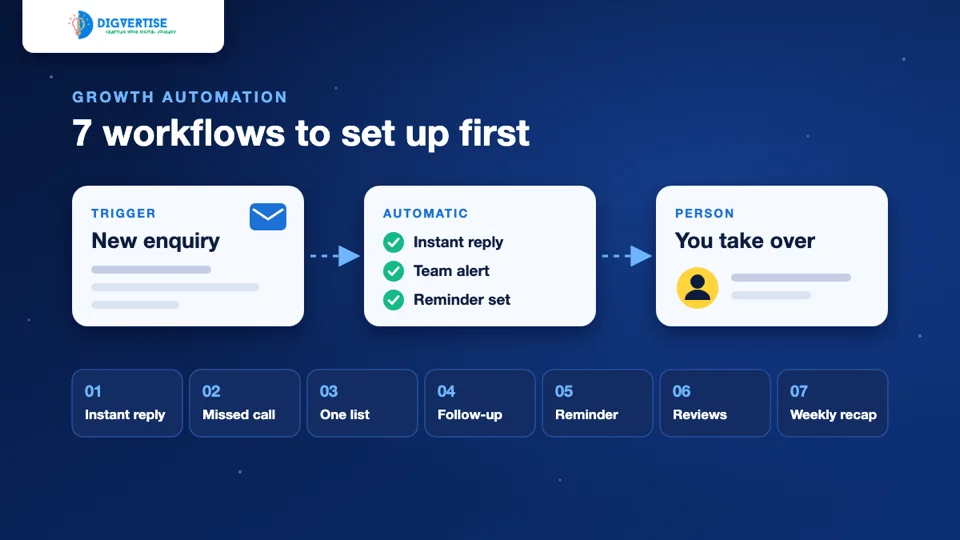
Once a day, filter by “Quote sent” and “Follow up”. Those chats are where most lost sales hide. To bring enquiries from every channel into one list, our guide to growth automation workflows shows simple ways to start.
Step 5: A catalog that answers “what do you have?”
The catalog shows your products or services in a mobile storefront inside WhatsApp, and you can share the whole catalog or a single item as a link. Service businesses can use it too: list your packages, consultation types or most-asked services.
Prices, or at least “starting from” prices, filter out mismatched enquiries and give serious customers the confidence to ask.
Step 6: Make it easy to start a chat
WhatsApp lists free ways in, such as QR codes, short links and message buttons on your Facebook Page and Instagram profile. Put them where customers already look:
- A WhatsApp button on every page of your website, especially on phones.
- The QR code on your counter, visiting card and delivery packaging.
- The link in your Google Business Profile and Instagram bio.
A click-to-chat link can carry a different pre-filled first message for each place, such as “Hi, I found you on Google”. You then know which channel brings your chats. Ads that click to WhatsApp can bring more conversations, but they are paid; set them up only after your replies and labels work well.
Step 7: Follow up without becoming a nuisance
WhatsApp’s Business Messaging Policy expects businesses to make opt-in and opt-out clear and to respect people who do not want messages. It is also simply good business: unwanted messages get ignored, blocked or reported.
- Follow up on a quote once or twice with something useful, then stop.
- Send offers only to customers who said yes to offers.
- Never add people to groups or lists without asking, and never buy number lists.
- Honour “stop” immediately and remove the label.
Measure what matters
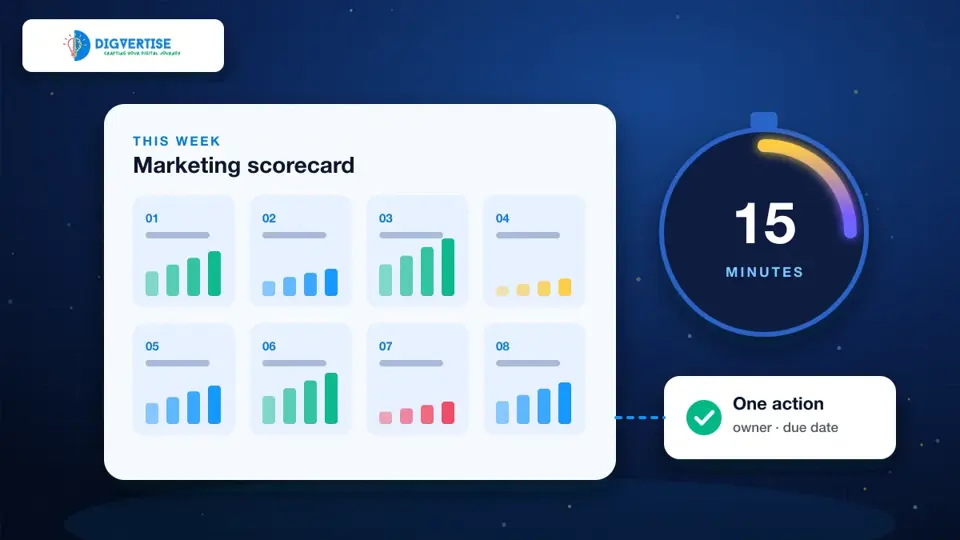
Once a week, count three numbers: new chats, chats answered within your promised time, and chats that became customers. Our 15-minute weekly marketing review shows how to track them alongside your other channels. If chats are high but customers are low, the cause is usually reply speed, unclear prices or no follow-up, rather than the number of chats.