
Last month's price list is still being forwarded on WhatsApp. An old set of event directions keeps sending guests to the wrong gate. A prompt you shared in a Reel has been improved twice, but the first version is the one people keep copying. Information that was meant to be useful for a few days often lives on for years.
For short-lived information, there is a simple alternative: share it through a link that stops working after a time you choose. This article explains when a temporary link makes sense, what should never go into one, and how it compares with the usual ways of sharing.
Why permanent sharing creates problems
- Outdated information keeps circulating. Old prices, timings and offers cause awkward conversations.
- You lose control of versions. When details change, the old copy competes with the new one.
- Public profiles fill up with clutter. Not every detail deserves a permanent highlight or post.
- People screenshot and forward. Once a message leaves your hands, you cannot update it.
None of this means everything should expire. Your services, policies and evergreen guides belong on your website and profile. Temporary links are for the in-between: information that is useful now and misleading later.
Good uses for a temporary link
| Situation | Why an expiry helps | Sensible expiry |
|---|---|---|
| Event-day instructions | Venue notes and timings matter only until the event ends | Until the day after the event |
| This week's menu or price list | Prices change; old lists should not circulate | About seven days |
| Class or workshop notes | Students need them during the course | The length of the course, up to 30 days |
| Limited-time offer details | The offer has an end date | The offer's last day |
| A prompt or template shared in a Reel | Keeps the current version in circulation | Seven to 30 days, then share an updated one |
| Steps for a new client or collaborator | Instructions change between projects | Until onboarding is complete |
How to write a temporary note people can use
A temporary note is usually read on a phone, often in a hurry: at a venue gate, in a class, or just before placing an order. Structure it so the most important line is first and nothing depends on context the reader may not have.
- Start with a clear title and the date or week it applies to, so nobody mistakes it for an older version.
- Say who it is for in one line: workshop participants, this week's customers, the new client team.
- Put the essential facts next: time, place, price, steps, in the order people need them.
- Use short numbered steps for anything people must do in sequence.
- End with how to get help, such as a WhatsApp number or the contact page, and when the note expires.
- Read it once on a phone before sharing; if you have to scroll to find the key detail, move it up.
What never belongs in a temporary public link
A temporary link is still a public link. Anyone who has the address can read it while it is active, and anyone can copy or screenshot what they see. Expiry shortens the window; it is not a lock.
Temporary links compared with other ways of sharing
| Method | Good for | Watch out for |
|---|---|---|
| WhatsApp message | Quick one-to-one updates | Forwards live forever and cannot be updated |
| Pinned post or story highlight | Evergreen public information | Goes out of date and everyone sees it |
| Shared document or drive link | Long documents and collaboration | Permissions get confusing; it stays live until someone changes it |
| PDF attachment | Formal documents | Cannot be updated once sent |
| Temporary text link | Short text that is useful for a limited time | Text only, and public while active |
How YAPVO Drops works
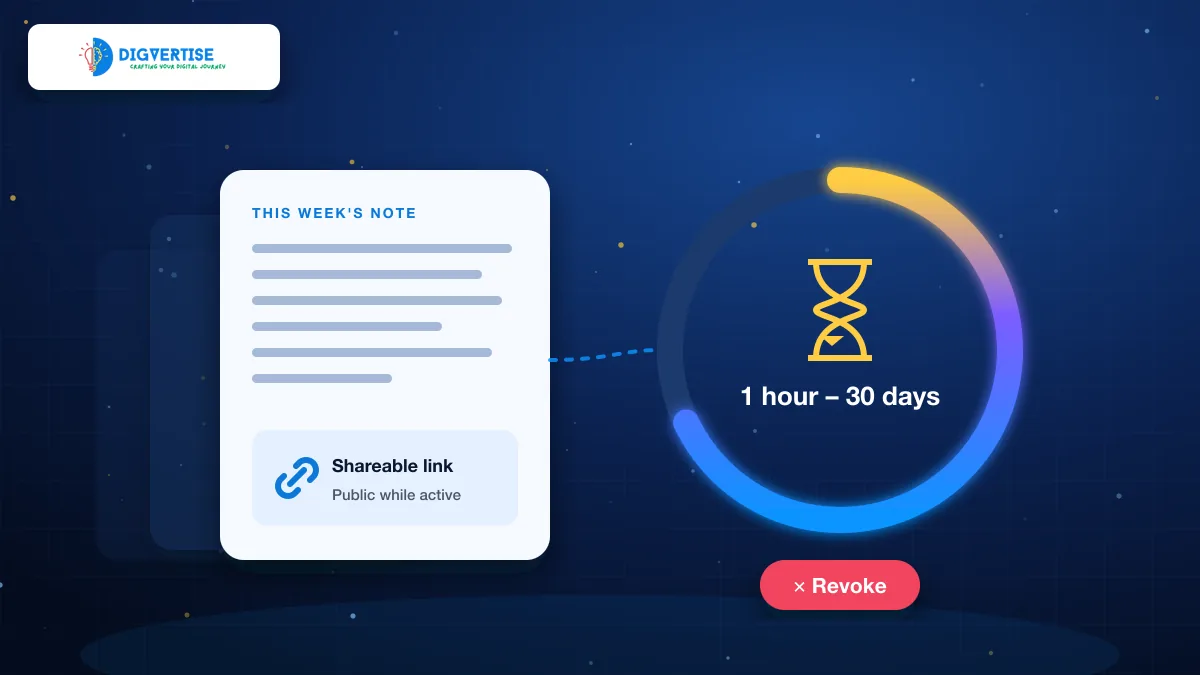
YAPVO Drops (opens in a new tab) is a simple tool for this job. You write plain text, such as a note, prompt, set of instructions or checklist, choose an expiry from the available options between one hour and 30 days, and share the link wherever it helps. You can revoke a Drop before it expires if the information changes. Creating a Drop needs a YAPVO account.
Drops are deliberately limited. They are plain text only: not photo or PDF uploads, not file storage and not a private vault. YAPVO's own guidance is to treat a Drop link as shareable rather than secret and to keep passwords and sensitive details out of it, which matches the warning above.
Using temporary links with comment-to-DM automation
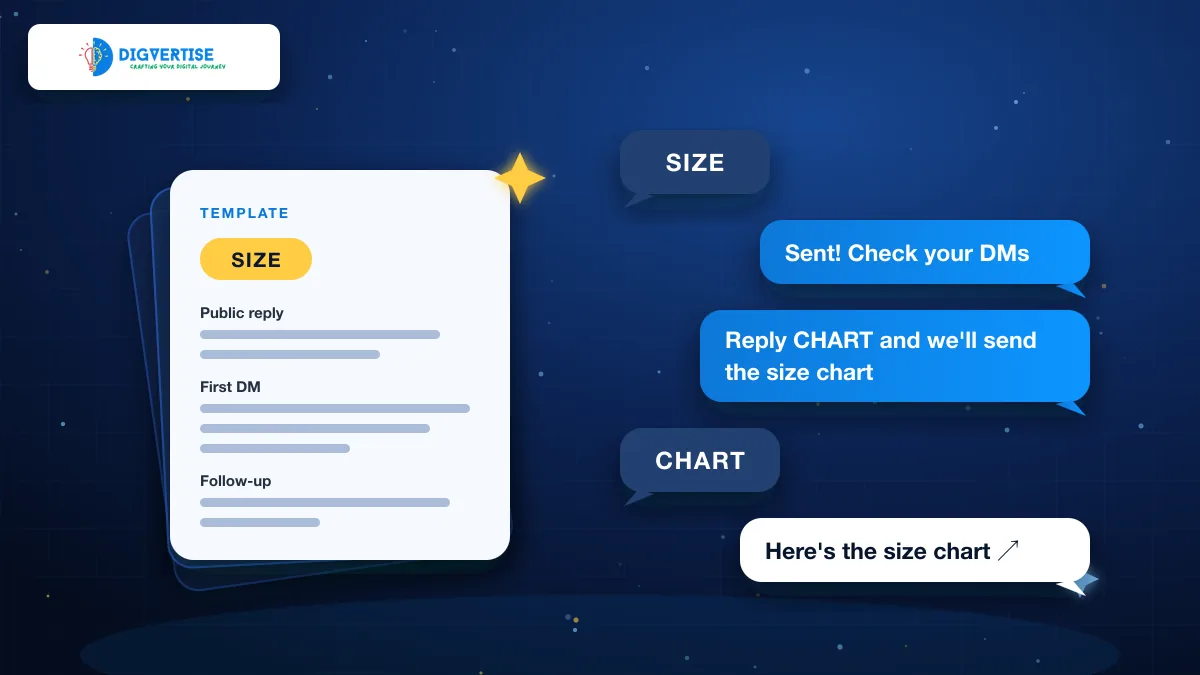
Temporary links pair naturally with keyword automations. A baker's follow-up DM can point to a Drop with this week's menu; next week, a new Drop replaces it and the old link stops working. A teacher can share session notes that disappear when the course ends. You keep the automation and swap the link, so people always receive current information. See how comment-to-DM automation works and templates for the messages.
A simple routine for sharing short-lived information
- Ask: will this be wrong or irrelevant in a few days or weeks? If yes, consider a temporary link.
- Write it clearly, with the date or week at the top so readers know it is current.
- Choose the shortest expiry that still covers the time people need it.
- Share the link where people asked for it: a DM, a class group or a story.
- If something changes, revoke the old link and share a fresh one.
- Keep anything sensitive out, every time.
Sharing with an end date is a small habit that keeps your information accurate and your profile tidy. Use permanent pages for what stays true, and temporary links for what is only true for now.