
"Comment GUIDE and I'll send it to you." You have probably seen a creator write this under a Reel, and you may have received the message a few seconds later. Behind it is a simple workflow: a keyword in a comment starts a short, pre-written conversation in the commenter's inbox.
Done well, comment-to-DM automation saves hours of copy-pasting the same answer and gives interested people what they asked for while the interest is fresh. Done badly, it feels like a vending machine. This guide explains how the flow works, which platform rules shape it, when it helps and when it is the wrong tool.
How comment-to-DM automation works, step by step
- You choose a post or Reel and a trigger keyword, such as GUIDE, PRICE or LINK, and tell your audience what to type.
- Someone comments the keyword.
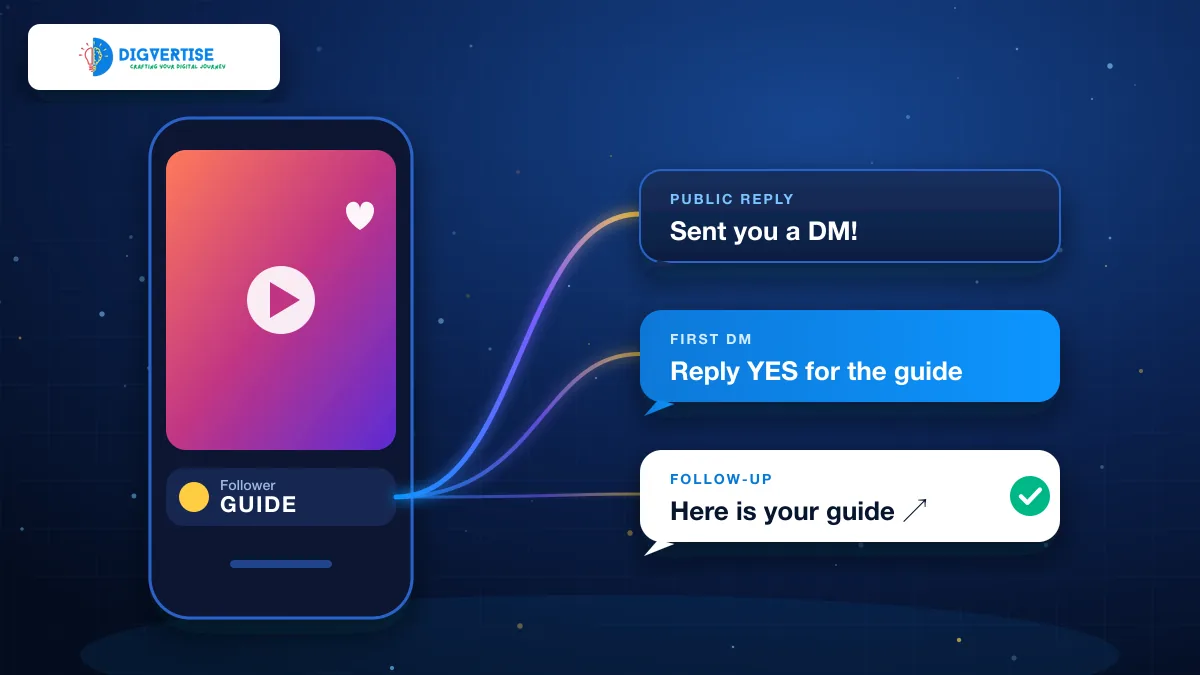
- The automation posts your public reply under the comment, so others can see the request was answered.
- It sends your first DM, which explains what happens next and asks the person to reply.
- The person replies in the DM thread.
- Your follow-up arrives with the link, details or resource you promised.
Steps four and five can look like unnecessary friction. Why not send the link straight away? The answer is in the platform rules, and understanding them is the difference between a workflow that runs smoothly and one that silently fails.
The platform rules that shape every tool
Comment automation for Instagram runs through Meta's official messaging integrations, which are available to Instagram Professional (Creator or Business) accounts. Meta's developer documentation on private replies to commenters (opens in a new tab) describes the key limits: a business can send one private reply in response to a comment, within seven days of that comment. Further messages are allowed only after the person responds, and within 24 hours of their response.
That is why well-designed flows ask for a reply before sending the main link. The first DM is the one private reply the rules allow. When the person answers, a conversation is open and the follow-up can carry the resource. It also means the person has actively chosen to continue, which is a better start to any relationship.
| Question | Realistic answer |
|---|---|
| Will every commenter receive a DM? | No. Delivery depends on the keyword match, account eligibility, permissions and platform rules. |
| Can it send several messages at once? | One private reply comes first; follow-ups depend on the person responding. |
| Does it need my Instagram password? | It should not. Official connections use Meta's authorization flow. |
| Does it work on personal accounts? | Current official messaging integrations are for Professional (Creator or Business) accounts. |
| Can it replace replying to customers? | No. It handles a repetitive first step; real questions still need a person. |
When comment-to-DM automation helps
1. You answer the same question again and again
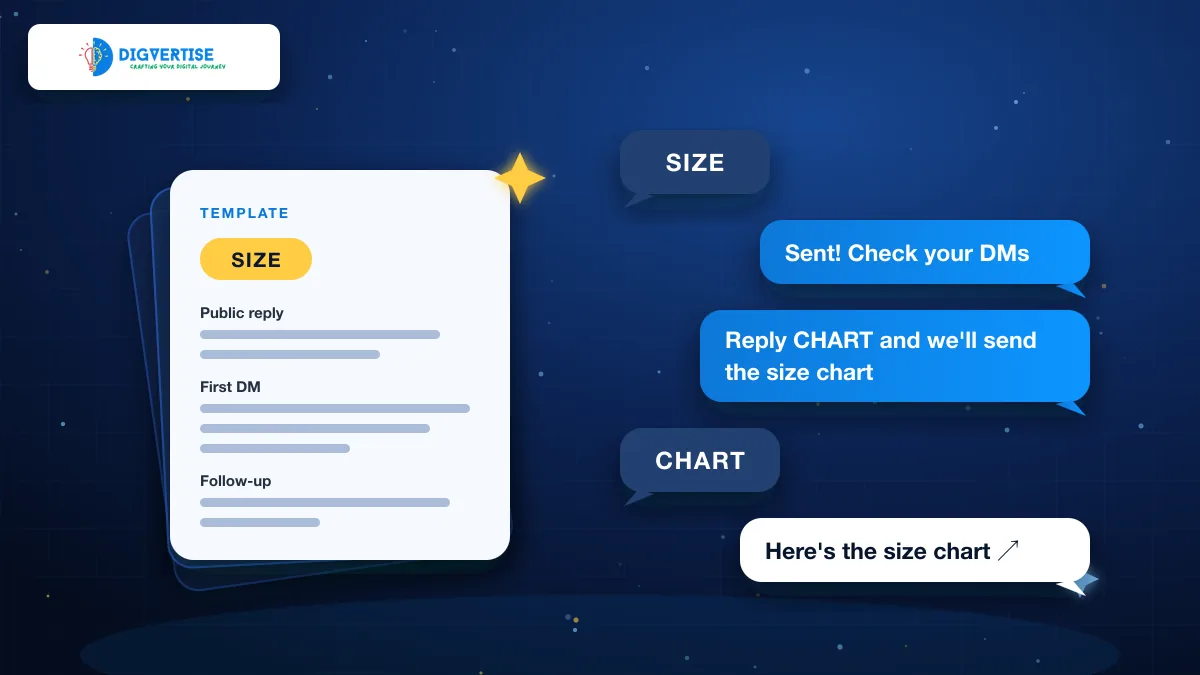
"Price?" "Link?" "Size?" If your comments are full of the same short question, a keyword flow can answer each one in your own words, at any hour, without you typing it a hundred times. A boutique can share its size guide, a home baker this week's menu, a tutor the batch timetable.
2. You give away something useful
Checklists, recipes, presets, short guides and resource lists suit this workflow well. The post shows the value, the comment signals interest, and the DM delivers it privately. People get what they asked for without hunting through your profile.
3. You want a simpler path than "link in bio"
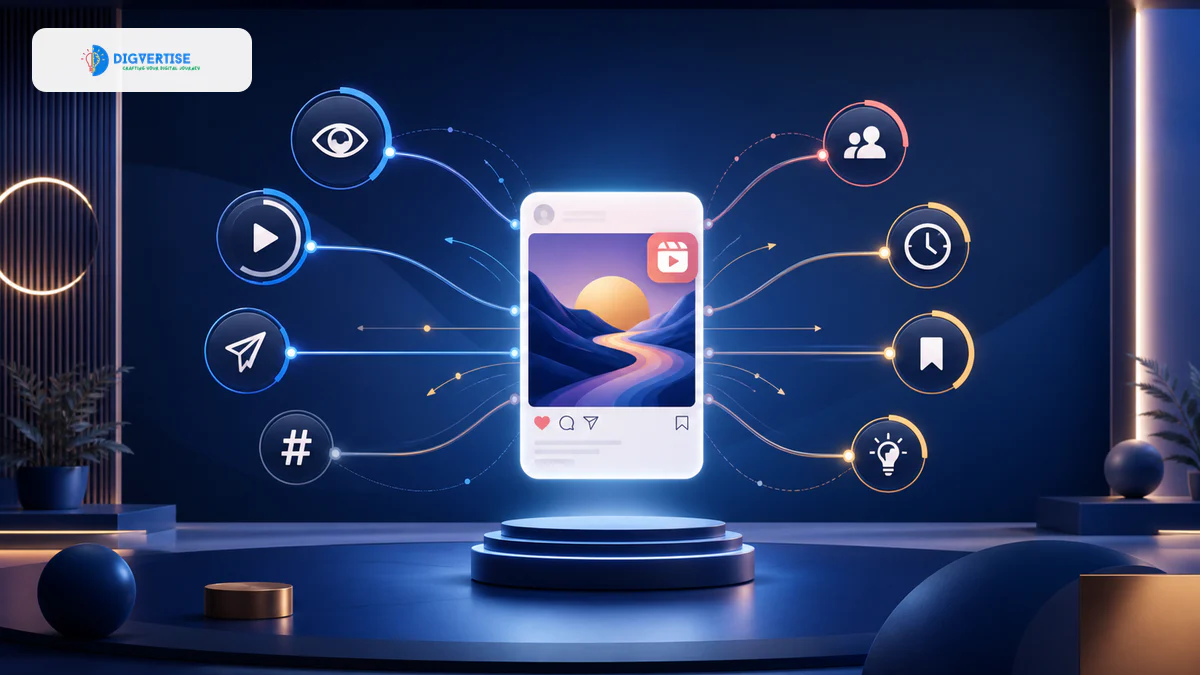
"Link in bio" asks people to leave the post, open your profile, find the right link and remember why they went there. A keyword comment keeps the action next to the content that created the interest. Comments are also one of the interactions Instagram learns from, though no single action guarantees reach. For a wider view of how reach works, see what actually drives Instagram reach in 2026.
4. You need a bridge from attention to conversation
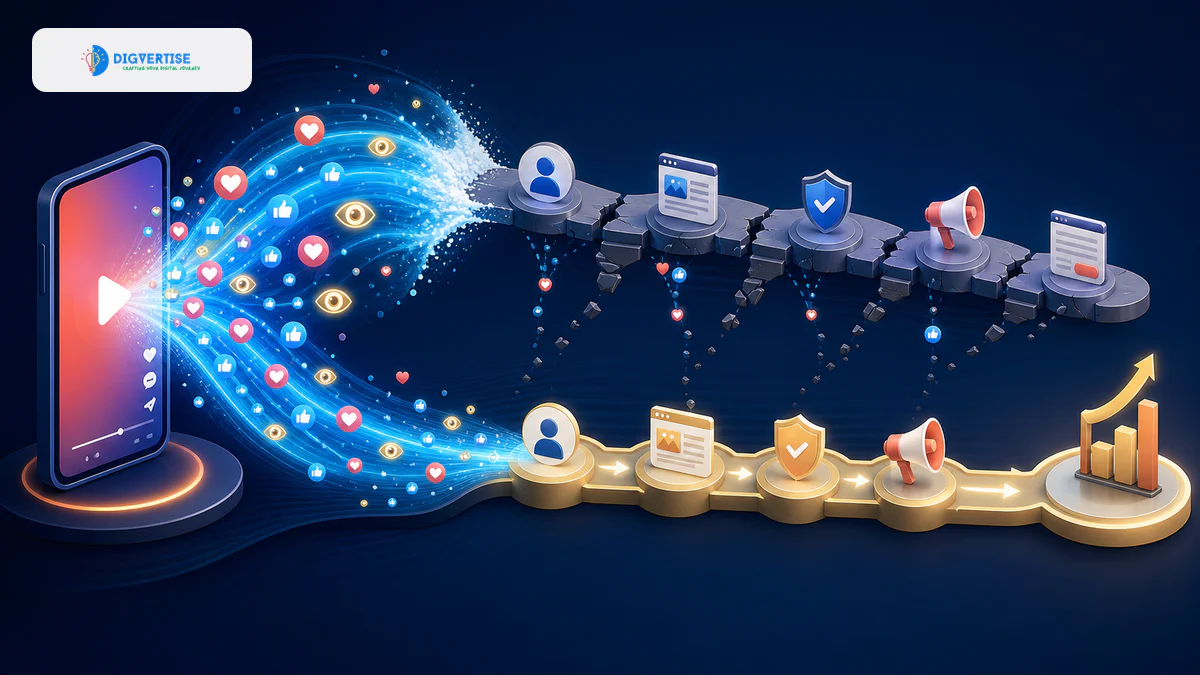
A Reel can win attention without creating a single enquiry. A DM conversation that starts from genuine interest gives you a way to understand what the person needs and offer a sensible next step. Why viral Reels get views but not leads explains this gap in more detail.
When it is the wrong tool
- Complaints or problems: an automated reply to an unhappy customer usually makes things worse. Answer personally.
- Sensitive topics such as health, money or personal circumstances: move the conversation to a proper, private channel with a person.
- Complex sales: automation can start the conversation, but pricing negotiations and custom quotes need you.
- Bait: "comment to unlock" prompts that deliver something weaker than promised erode trust quickly.
- Old posts with outdated offers: pause the automation when the price, date or stock has changed.
Set it up in a way people appreciate
- Pick one post with a clear promise and say exactly what to comment, for example: Comment MENU for this week's price list.
- Choose a short, unusual keyword that people will not type by accident, such as MENU rather than nice.
- Write the public reply in your own voice and keep links out of it.
- In the first DM, thank the person, say what you will send and ask for a simple reply.
- Make the follow-up deliver immediately: one link, one sentence of context, one optional next step.
- Test the whole flow from a second account before you publish the post.
- Check the conversations every few days and pause the automation when the post goes out of date.
For ready-to-adapt wording for each of these messages, see how to write Instagram auto-DMs people actually want.
Where YAPVO fits
YAPVO (opens in a new tab) is built for exactly this workflow. You connect an Instagram Professional account through Meta's authorization flow (YAPVO does not ask for your Instagram password), choose the post or Reel and the keyword, and write the public reply, first DM and follow-up yourself. The follow-up is sent after the person gives the reply your setup asks for. You can pause or resume an automation and disconnect your account, and you can use YAPVO in the browser or through its Android app on Google Play.
YAPVO is not affiliated with Instagram or Meta, and it does not promise that every comment will receive a message: eligibility, permissions and platform rules decide that. That honesty is a good standard to expect from any tool you consider.
A quick checklist before you switch it on
- The account is an Instagram Professional (Creator or Business) account.
- The connection uses Meta's authorization screen, not your password.
- The caption tells people exactly which word to comment.
- The keyword is short and unlikely to be typed by accident.
- The public reply, first DM and follow-up are written in your own voice.
- The follow-up link opens quickly on a phone.
- You have tested the full flow from another account.
- You know how to pause the automation when the offer changes.
Measure what matters
Count the journey, not just the comments: how many people commented, how many replied to the first DM, how many clicked the follow-up link and how many became enquiries or orders. Add UTM parameters (opens in a new tab) to the follow-up link so your analytics can tell these visits apart. If many people comment but few reply, improve the first DM. If many reply but few click, look at the follow-up and the page it opens.
Comment-to-DM automation works best as a courtesy: a fast, friendly way to give people what they asked for. Keep the promise clear, the messages human and the rules respected, and it can turn a busy comment section into conversations worth having.